AI manga generator from a photo
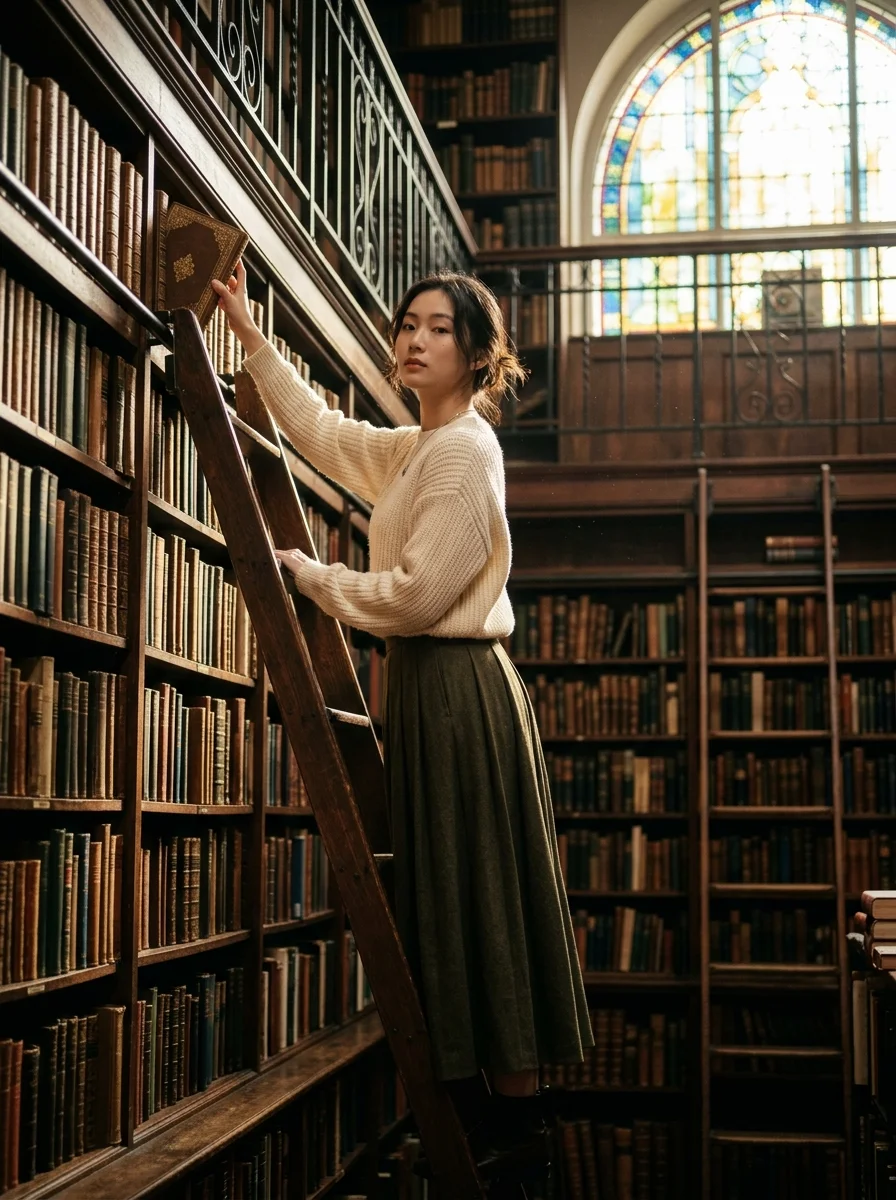
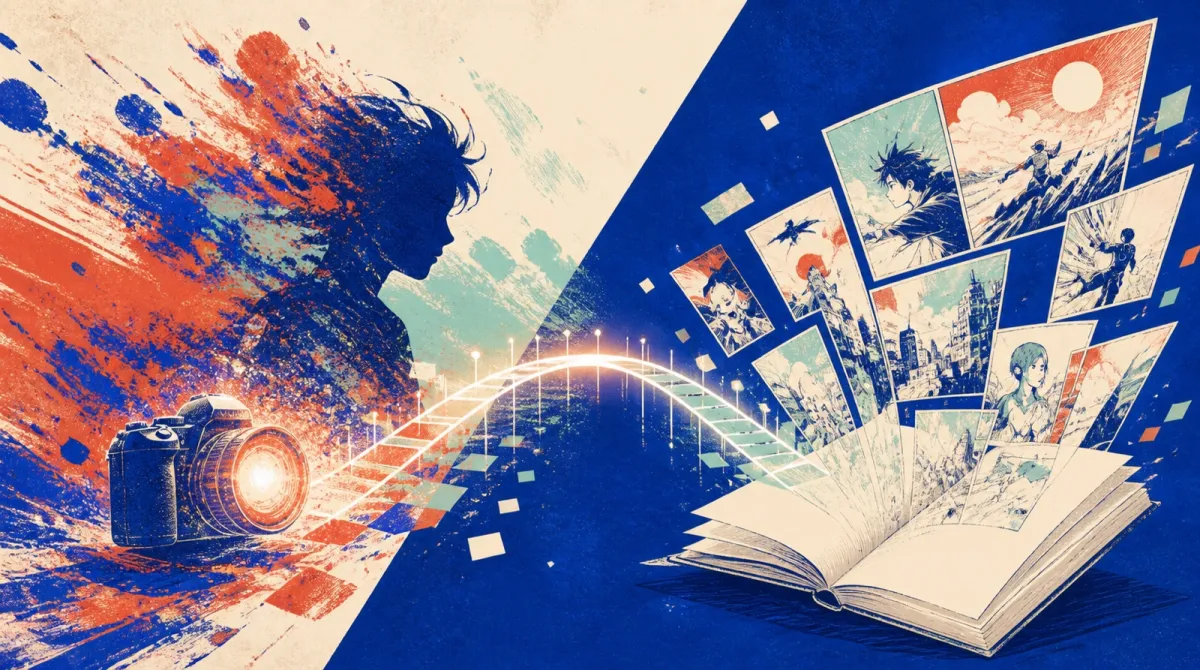
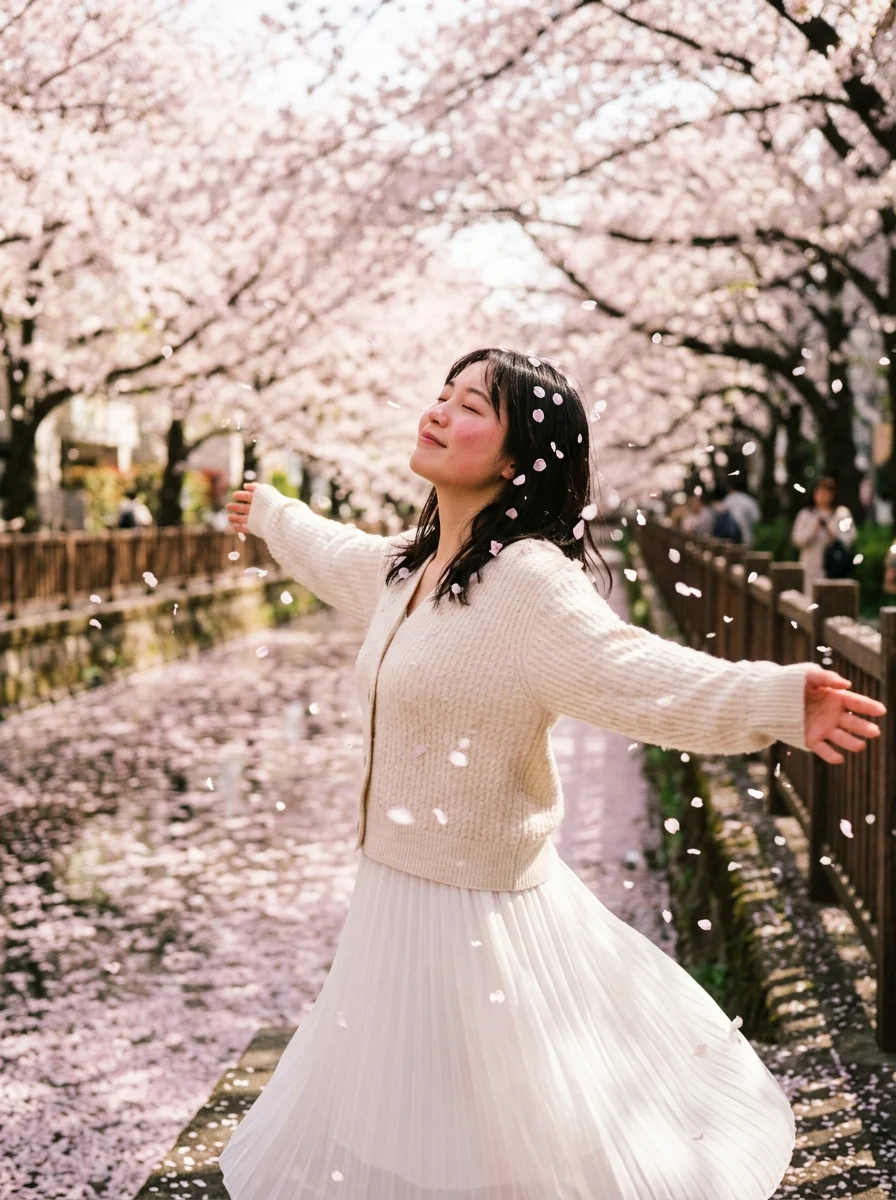
Turn a selfie or everyday photo into manga panels. MangaGenAI keeps the face on the character and builds a page you can edit on Web, iOS, and Android.
AI manga generator from a photo
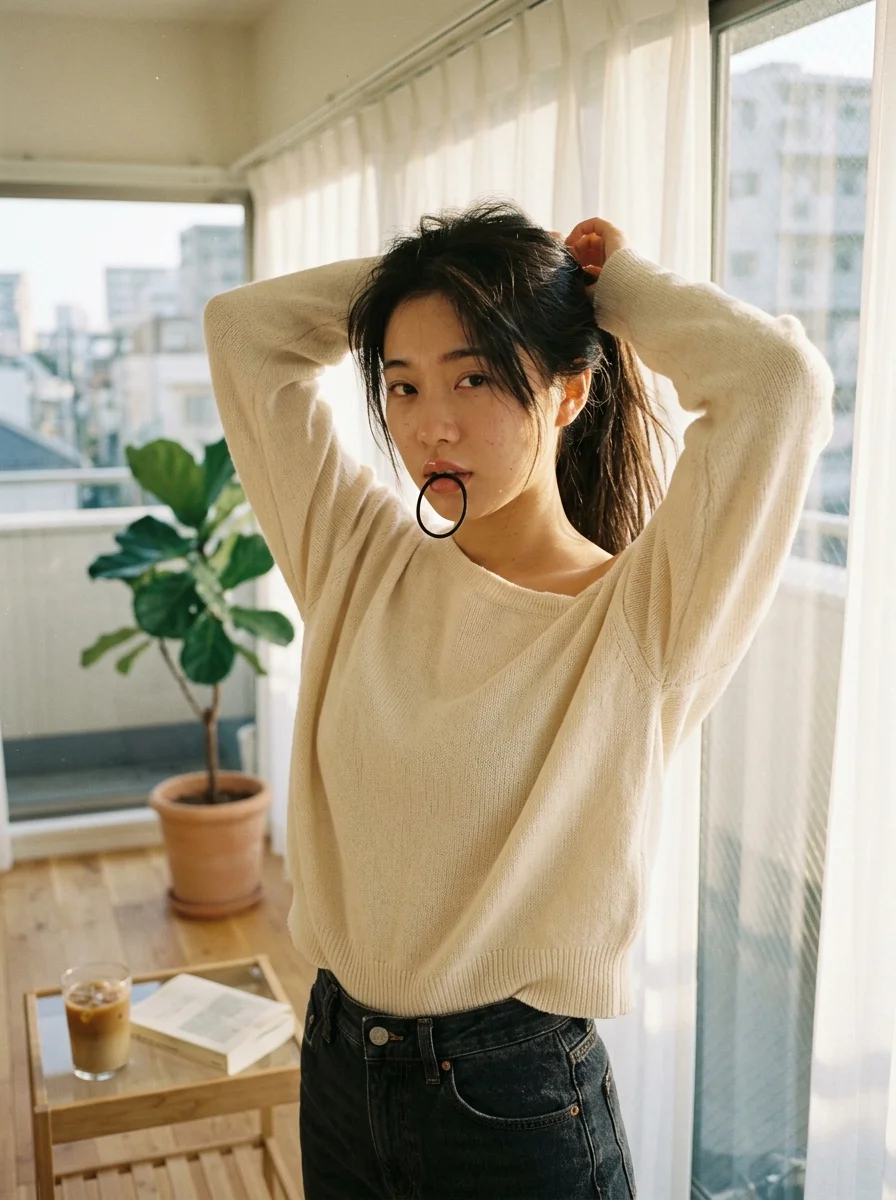
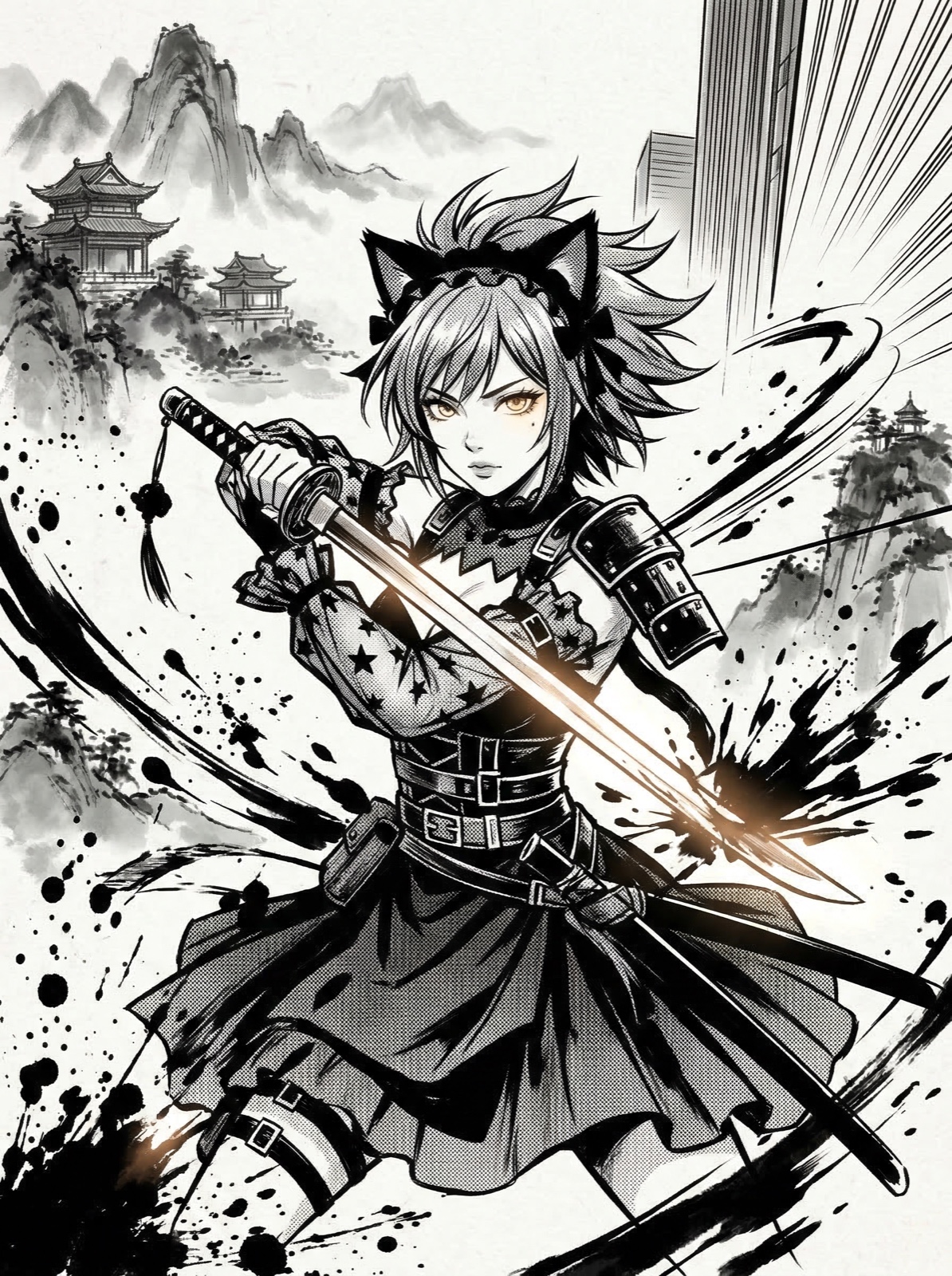
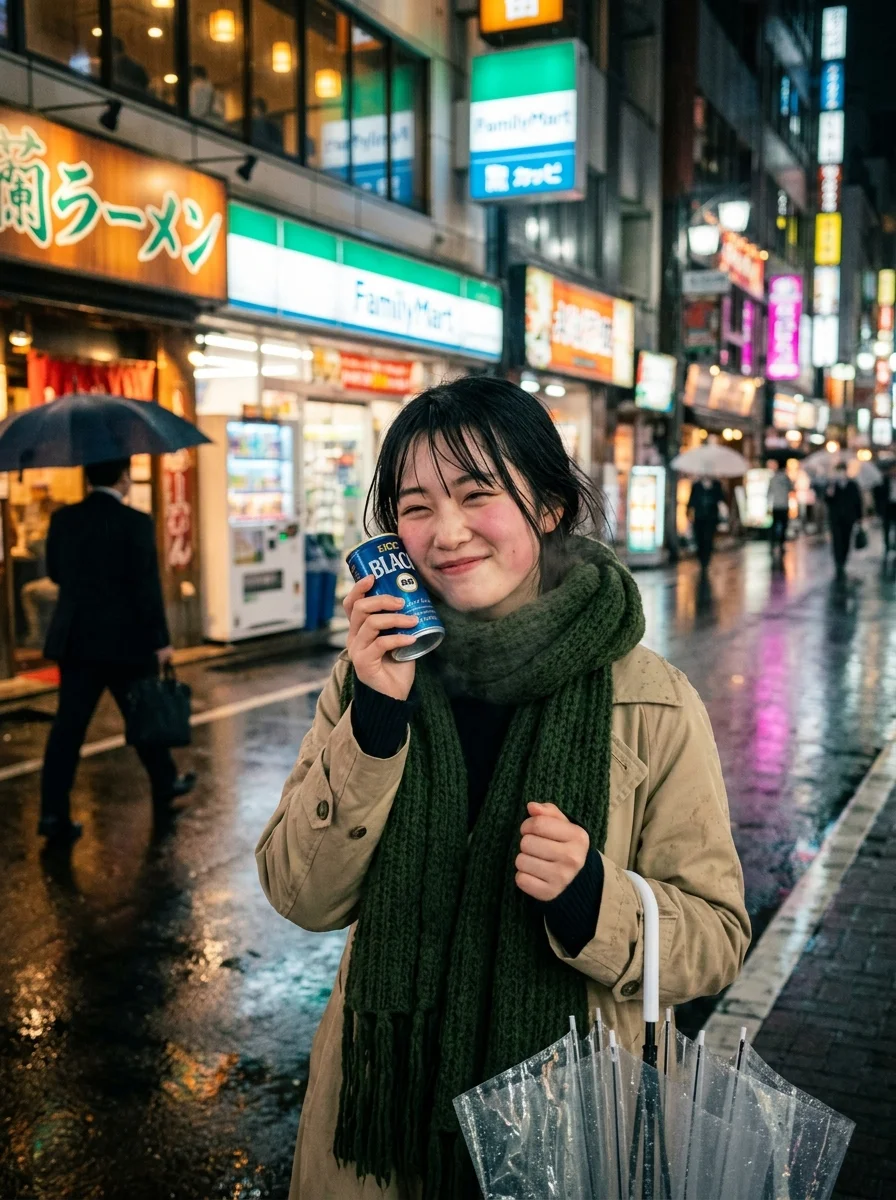
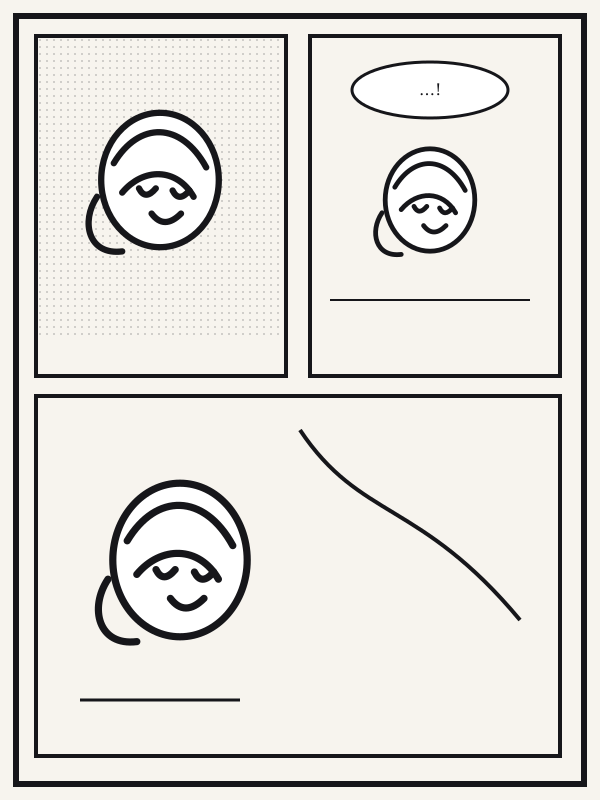
Three steps
- Upload a selfie or a half-body photo.
- Choose black-and-white manga or full color.
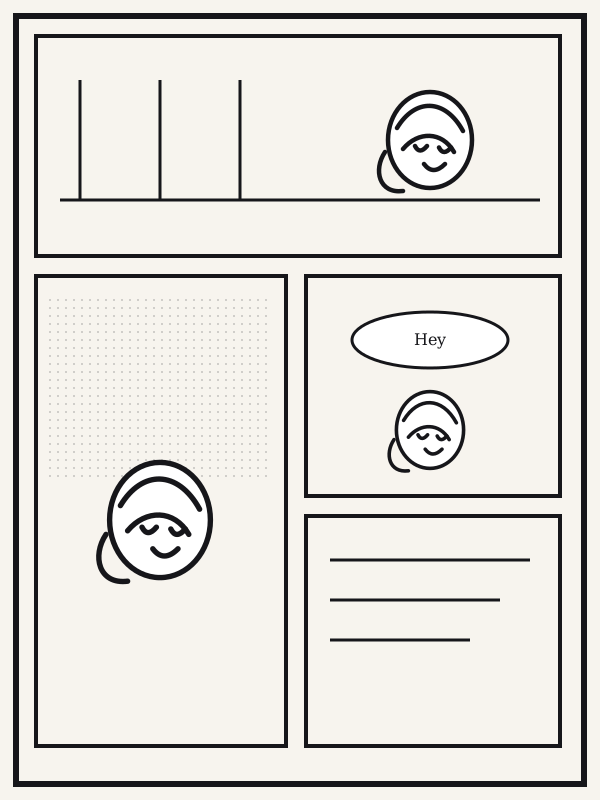
- Check the panels, redraw only what is off, then continue the page.
Open the photo-to-manga studio


FAQ
Does photo to manga keep my face?
The reference face is meant to stay on the character. If one panel drifts, redraw that region instead of the whole page.
Is this an AI manga generator or a single illustration?
The output is a manga panel or page, with room for dialogue, not only a poster.
Can I use the result commercially?
Original characters and photos you have rights to can be used for posts and publication tests. Existing manga characters cannot.