
How to Check Dialogue After Manga Translation
After translating a manga page, place the original beside the translated image. Follow the reading order and check meaning, names, missing text and whether lettering covers the artwork. A fluent sentence still needs to be legible in its balloon.
Follow the reading order
Start with the first balloon and follow the work’s intended reading direction. Find a translation for each original line, check whether neighboring lines have switched places, and look for small text or words outside balloons. Mark anything you cannot decipher instead of guessing.
Compare meaning and tone
Read each line in context, paying attention to negation, questions and who is being addressed. If “I did not agree” becomes “I agreed,” the story changes. Shouts, whispers and inner thoughts should suit the character’s tone; ask someone familiar with both languages when you are unsure.
Keep names and forms of address consistent
Make a list of character names, places, move names and how characters address one another. Check the chosen translations across pages and record the version already established. Note wordplay that needs an author’s decision rather than forcing a guess.
Inspect the lettering and artwork
Zoom in for clipped, overlapping, tiny or overflowing text, then view the page at phone size to check readability. Look for lettering covering expressions or important objects and compare areas that should remain unchanged. Automatic processing does not guarantee every detail will be preserved.
Review again after corrections
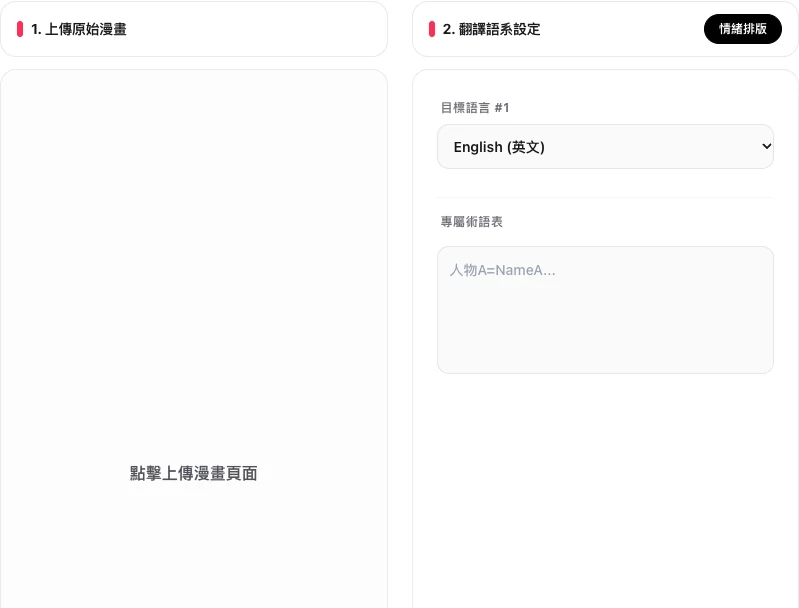
In MangaGenAI manga translation, upload a manga image and select the target language. After creating a version, note pages needing changes. Once edited or processed again, check from the first panel to the last and keep both the original and reviewed version. Before sharing, confirm that you have the right to use and translate the work.